Now that we understand the barriers, let's focus on what works. These eight practices address the root causes of form abandonment and create a smoother path from visitor to registered user. Each one contributes to a sign up flow that respects the user's time and builds trust from the first interaction.
Minimize form fields
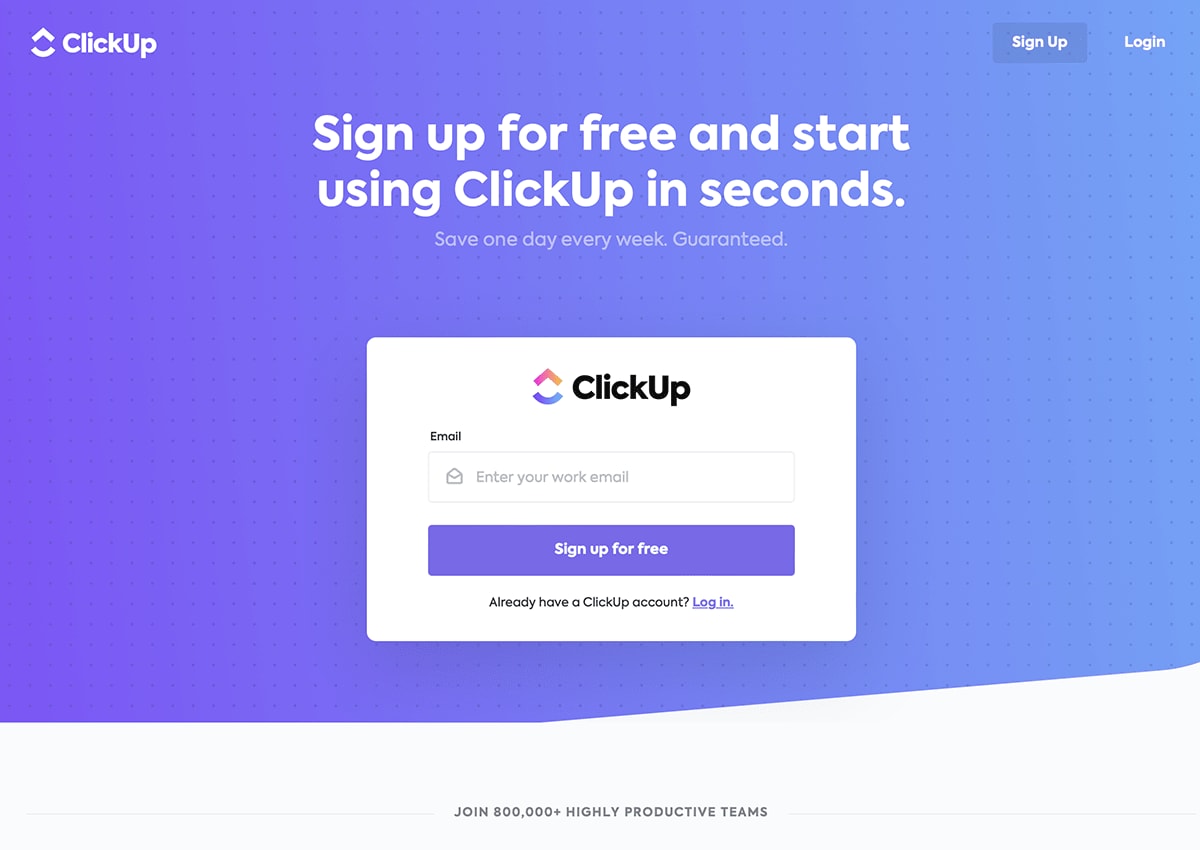
Start by asking only for what you absolutely need at the point of registration. For most applications, that means an email address and a password. Everything else can come later through progressive profiling or in-app prompts. ClickUp demonstrates this well with a sign up page that asks for just the essentials, removing barriers to entry while still collecting enough data to create an account.
Offer social and SSO sign up options
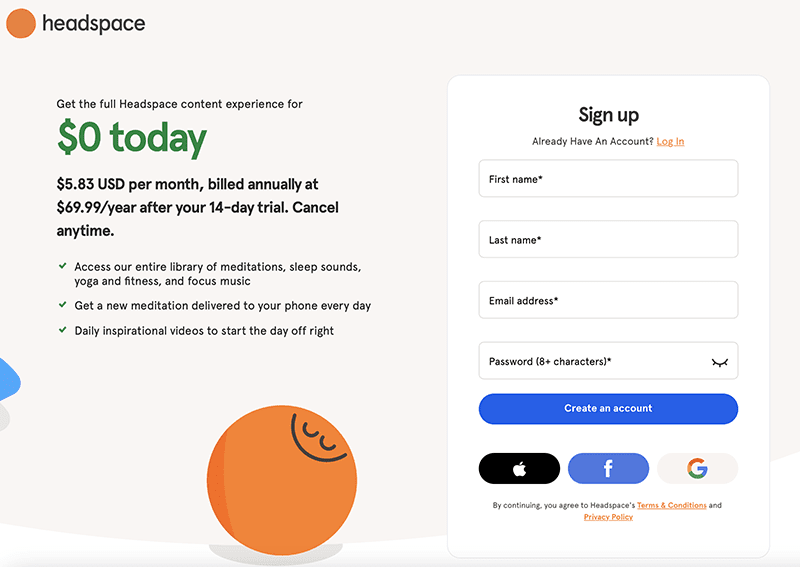
Giving users the option to register with an existing account (Google, Apple, or a corporate single sign-on (SSO) provider) dramatically reduces friction. Users avoid creating yet another password, and you benefit from verified identity data from the start. Headspace offers a clean example of social sign up integration, presenting multiple authentication options without overwhelming the user.
Use progressive profiling
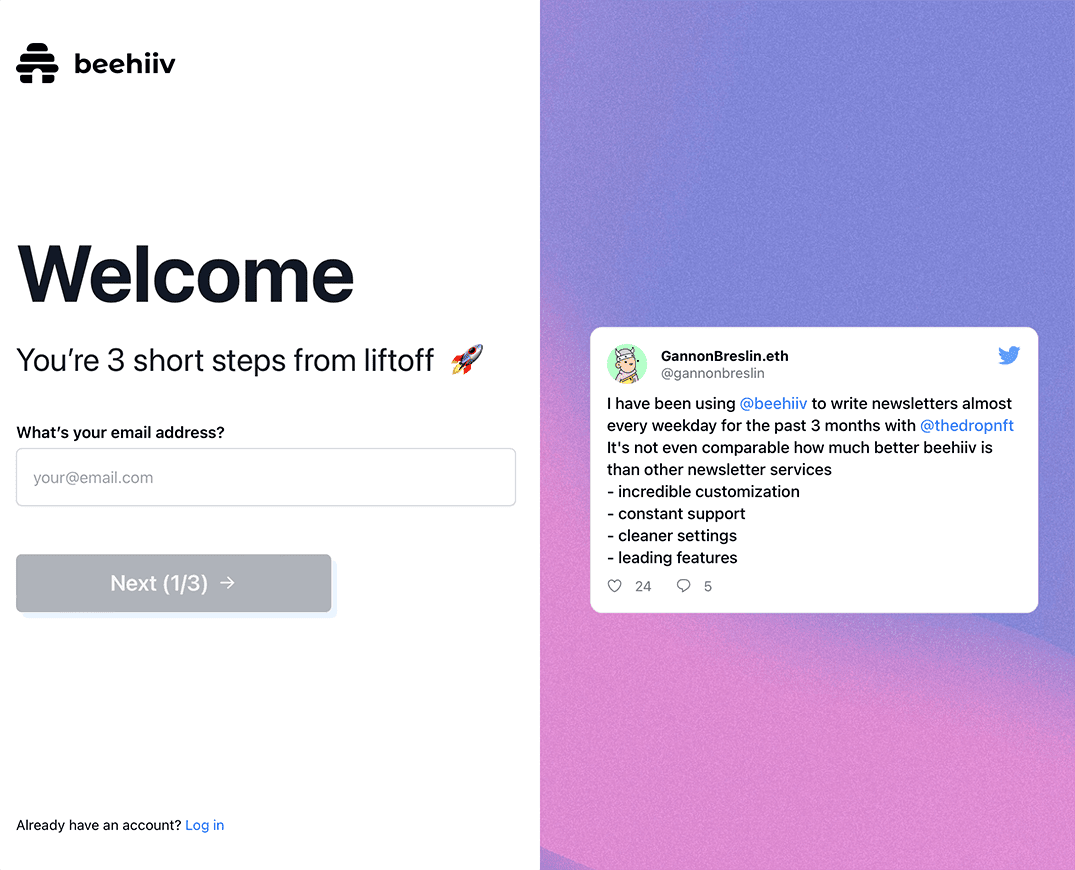
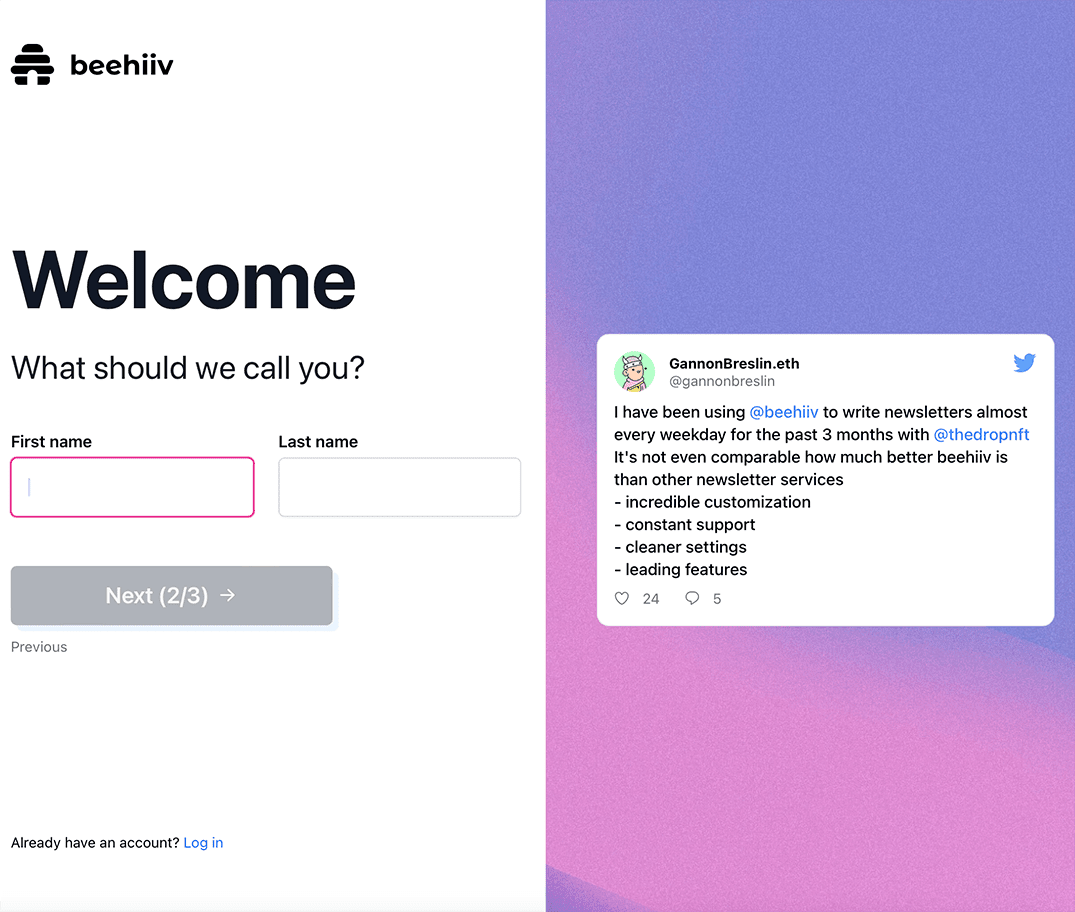
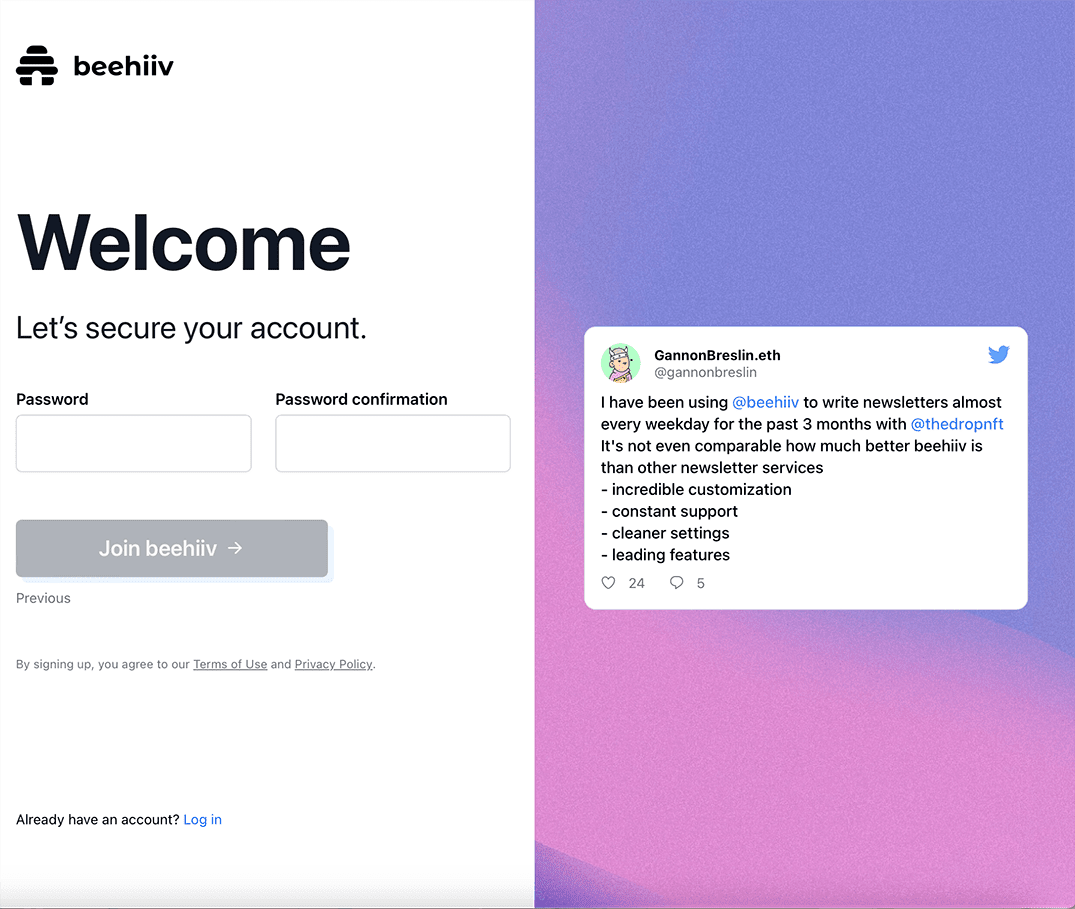
Rather than asking for everything upfront, collect information gradually. Progressive profiling breaks the registration into small, manageable steps. Each step asks for just one or two pieces of information, making the process feel lighter. Beehiiv executes this approach effectively, walking users through a sequence that starts with email, then name, then password, with each screen feeling quick and approachable.
Add progress indicators
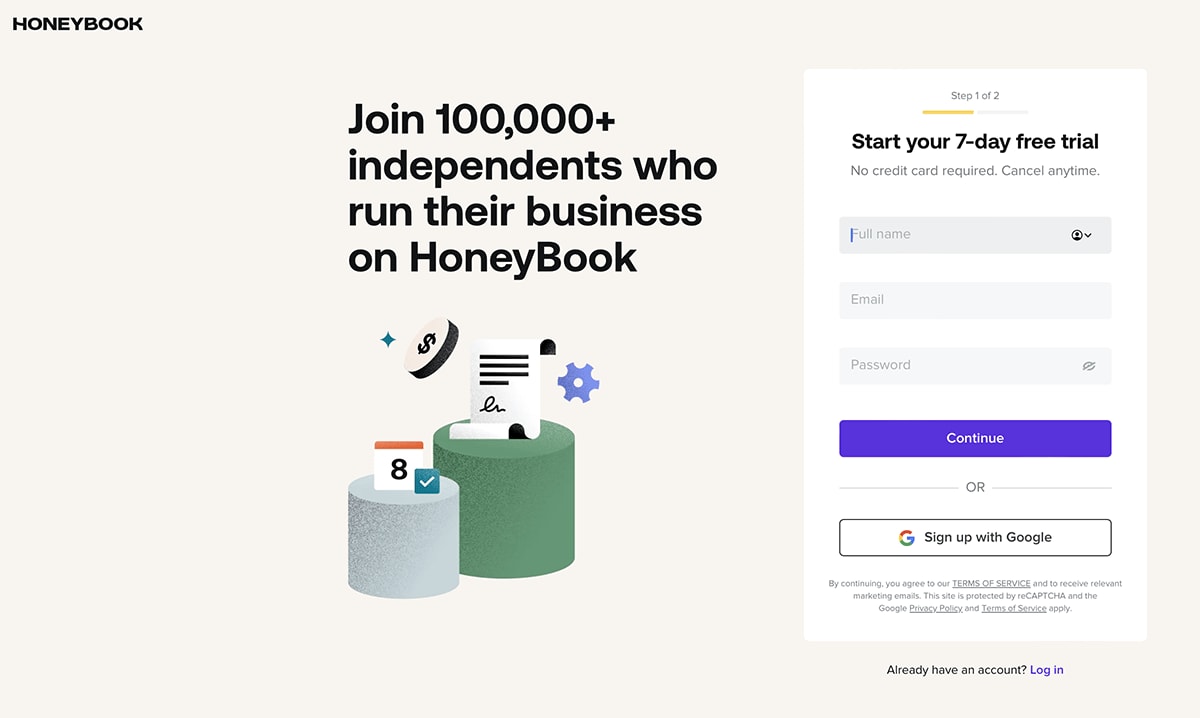
When a sign up process requires multiple steps, a progress bar or step indicator reassures users that the end is in sight. Without this visual cue, users may assume the form is longer than it actually is and leave. HoneyBook uses a clear progress indicator that shows users exactly where they are in the registration journey, reducing uncertainty and encouraging completion.
Optimize for mobile
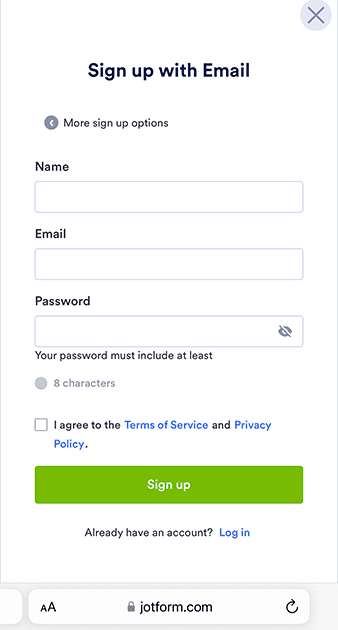
A significant portion of sign up attempts happen on mobile devices. If your sign up page design is not responsive, loads slowly, or requires excessive scrolling and typing, mobile users will drop off at higher rates.3 Jotform provides a mobile-optimized sign up experience with large tap targets, minimal scrolling, and fields that adapt to smaller screens.
Personalize the onboarding experience
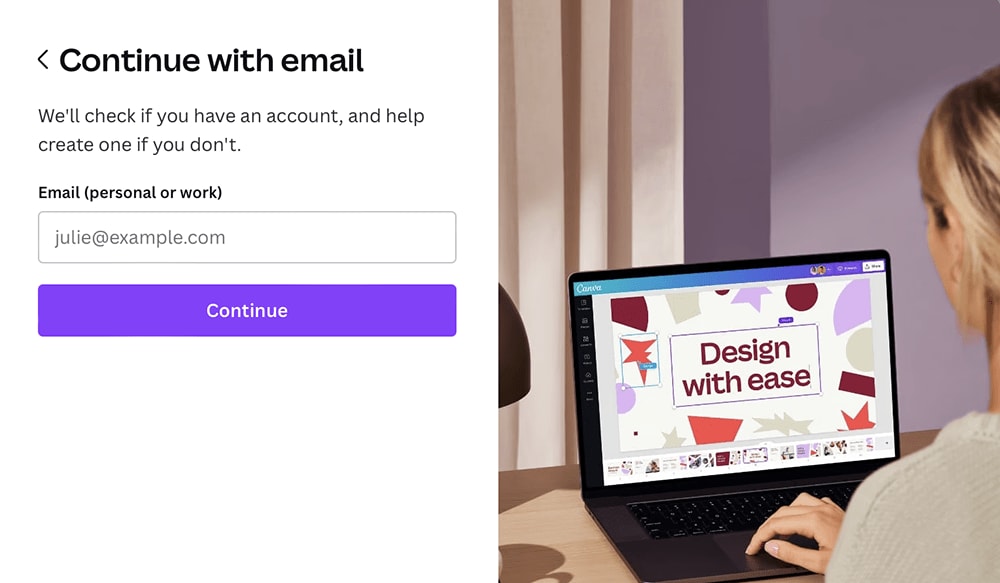
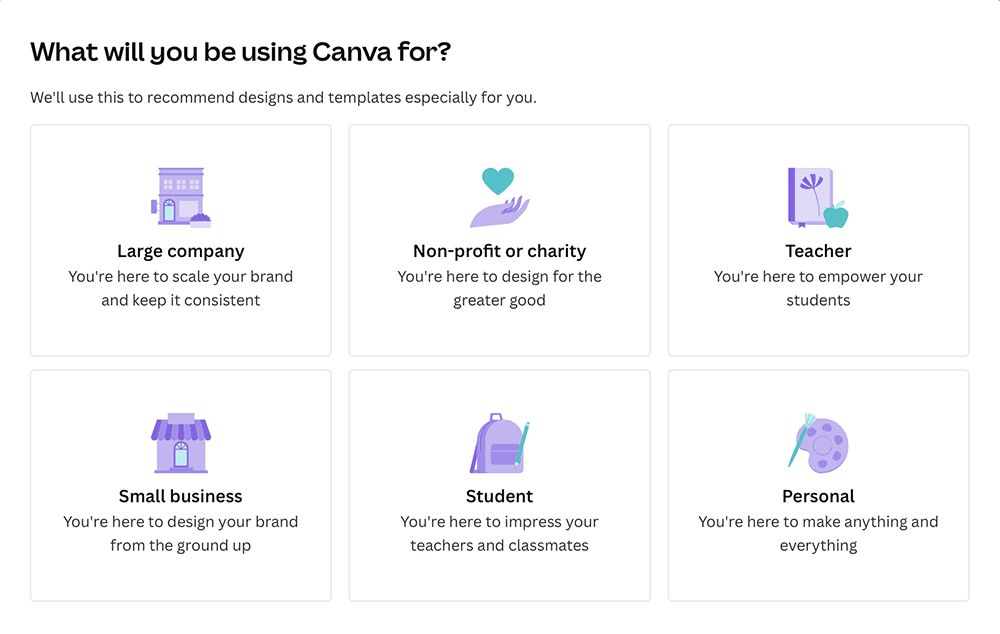
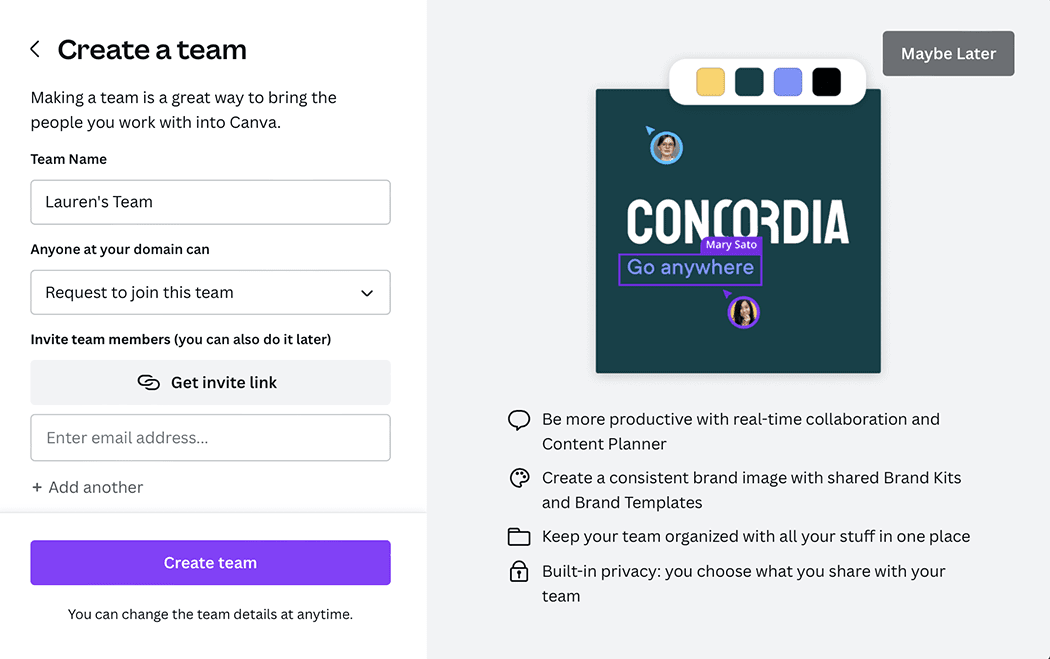
Tailoring the sign up flow based on user intent or segment makes the process feel relevant rather than generic. Canva excels at this by asking new users about their intended use case (personal, education, and business) and adjusting the subsequent onboarding steps accordingly. This frictionless onboarding approach ensures users see value immediately after registration.
Use specific calls to action
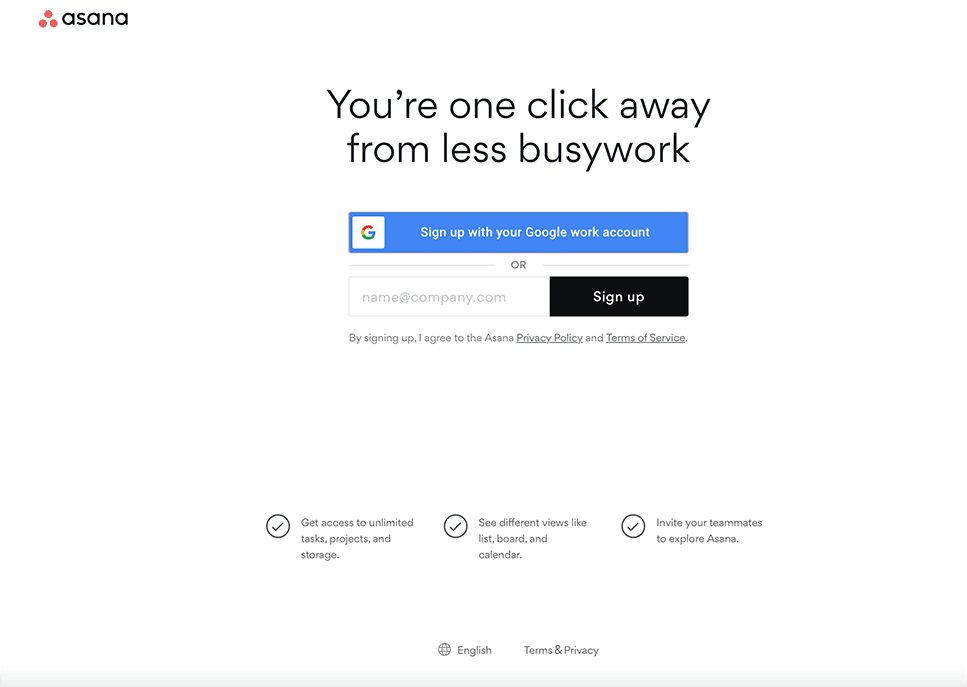
Generic buttons like "Submit" or "Sign Up" miss an opportunity to reinforce value. A specific call to action (CTA) that reflects what the user gets ("Start your free trial" or "Get started for free") creates a stronger incentive to click. Asana uses action-oriented CTA language that connects the button directly to the benefit, making the final step feel like a reward rather than a transaction.
A/B test your sign up flow
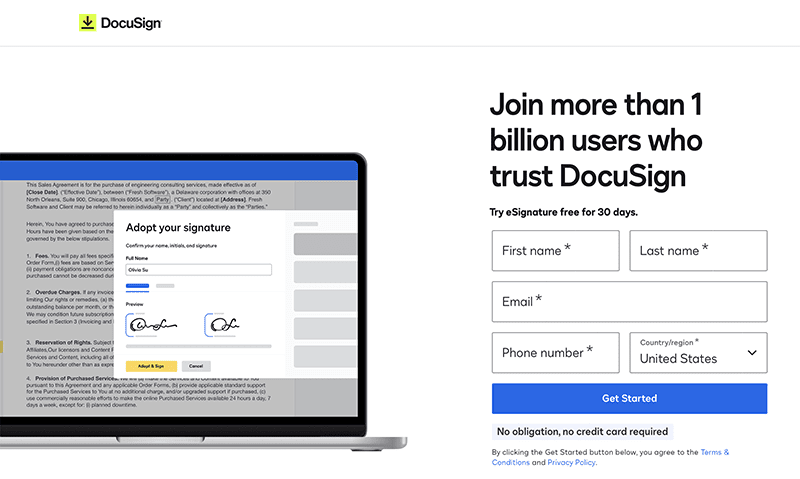
What works for one audience may not work for another. A/B testing different elements of your sign up page (field count, CTA wording, layout, social login placement) gives you data to make informed decisions. DocuSign demonstrates the value of testing by running variations of its registration page to identify which design and messaging combinations yield the highest completion rates.